Name and tagline: in the panel
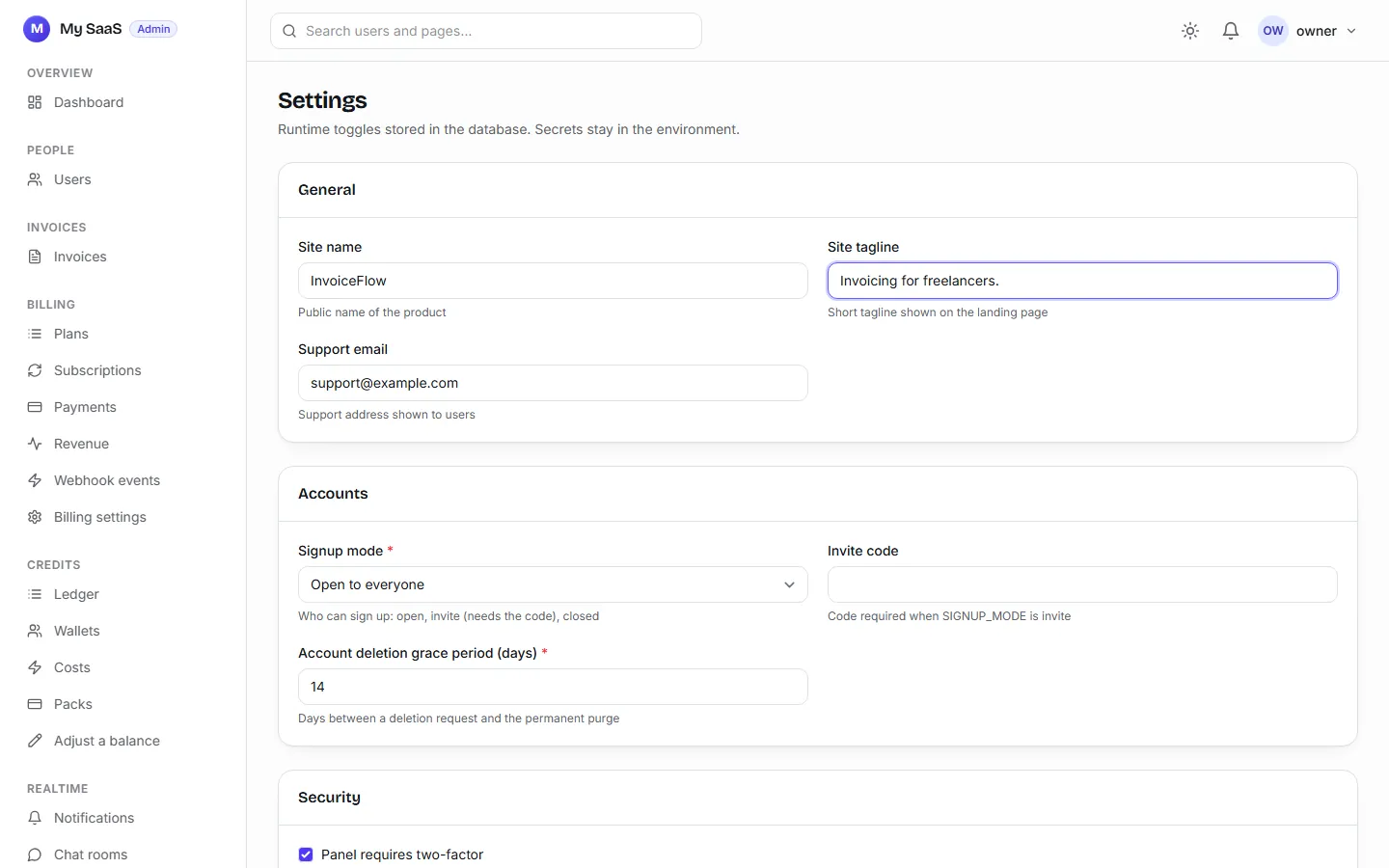
Panel, Settings, General: Site name and Site tagline. Save, and the logo, page titles, emails and the tab icon change (the icon is your name's first letter).
Not from .env after the first page
.env has a SITE_NAME, but it only fills the database the first time a page is served. After that, the panel owns the name, on your computer and on every deploy. When we renamed InvoiceFlow in code after its first deploy, the live site kept saying "My SaaS": the database already held the old name. Rename in the panel.
Colors and fonts
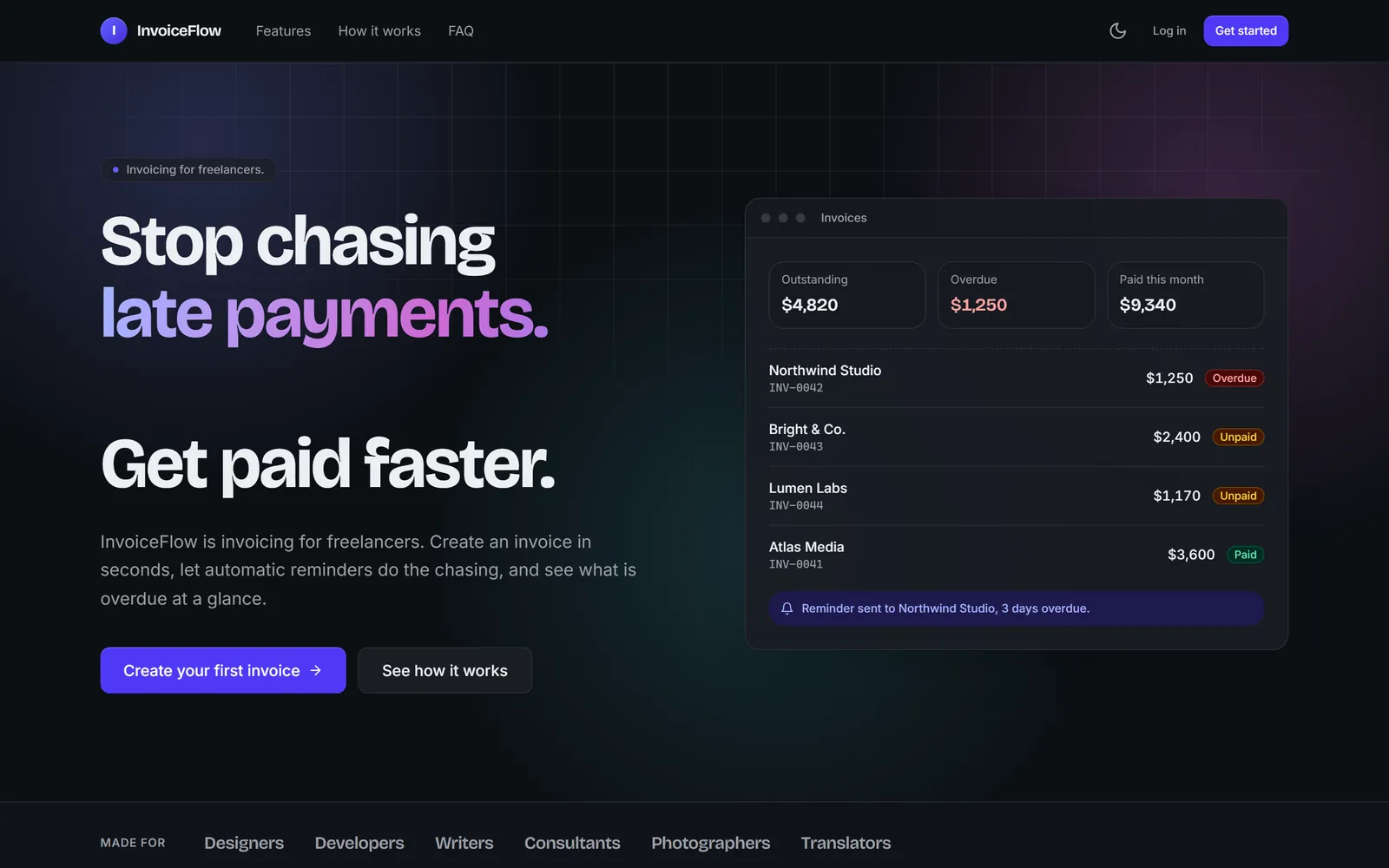
The design tokens are at the top of assets/css/app.css: brand-* (your color scale), surfaces, text and borders. Change them, and every component follows. Dark mode flips them for you:
uv run poe dev rebuilds the CSS while it runs.
The landing page words
The landing page's text lives in apps/pages/content.py. The fastest way to rewrite it is to describe your product:
Rewrite the landing page for my product. It is called InvoiceFlow: invoicing for freelancers. Create an invoice in seconds, get paid faster with automatic reminders, and see what is overdue at a glance. Keep the pricing section. When you are done, run /ship.
6.1 minutes ($0.96): a new hero, a features section, three steps, a FAQ, and 64 new Arabic strings.
It will tell you when the copy promises too much
Our prompt said "automatic reminders", and the app had none. Claude wrote the copy and then flagged that it promised reminders, PDFs and online payment that did not exist. Answer that before you ship: cut the line, or build the feature. We built the reminders with one more prompt (7.9 minutes: a daily job that emails overdue clients, at most once a week each) and cut the rest.
A help page
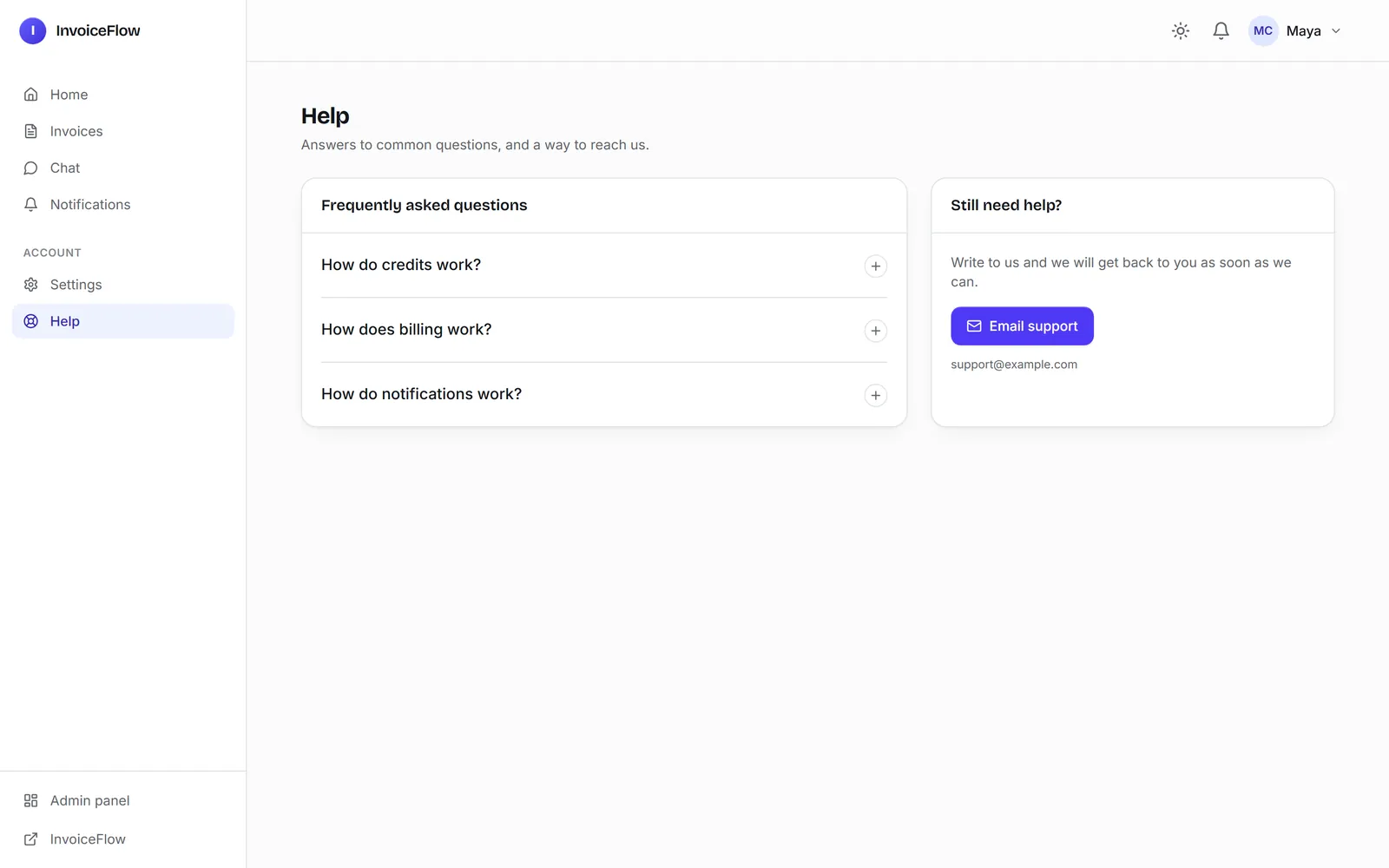
Add a "Help" page to the app for signed-in users, linked from the sidebar. It should have a short FAQ (how credits work, how billing works, how notifications work) and a button to email support at [email protected]. When you are done, run /ship.
5.4 minutes. It used the existing support-email setting instead of hard-coding the address, and said "I wrote the answers myself, so read them before you ship":
Still yours to do
- Legal pages:
templates/pages/legal/holds a privacy policy, terms and a cookie page. They are general starter text that uses your site name. They are not legal advice: have them checked for your product and your country. - Support email: panel, Settings, General.
- Email sender:
DEFAULT_FROM_EMAILin the environment, for exampleInvoiceFlow <[email protected]>. - Languages: English and Arabic ship translated. They are listed in
LANGUAGESinconfig/settings/base.py;uv run poe add-language fradds one.
Next: Put It on the Internet.