This part adds an AI payment reminder to InvoiceFlow: one click drafts a polite email to a client who has not paid. It costs the user 1 credit.
1. Key and switch
- Create an API key in the Claude Console and put it in
.env:
ANTHROPIC_API_KEY=sk-ant-...- Restart
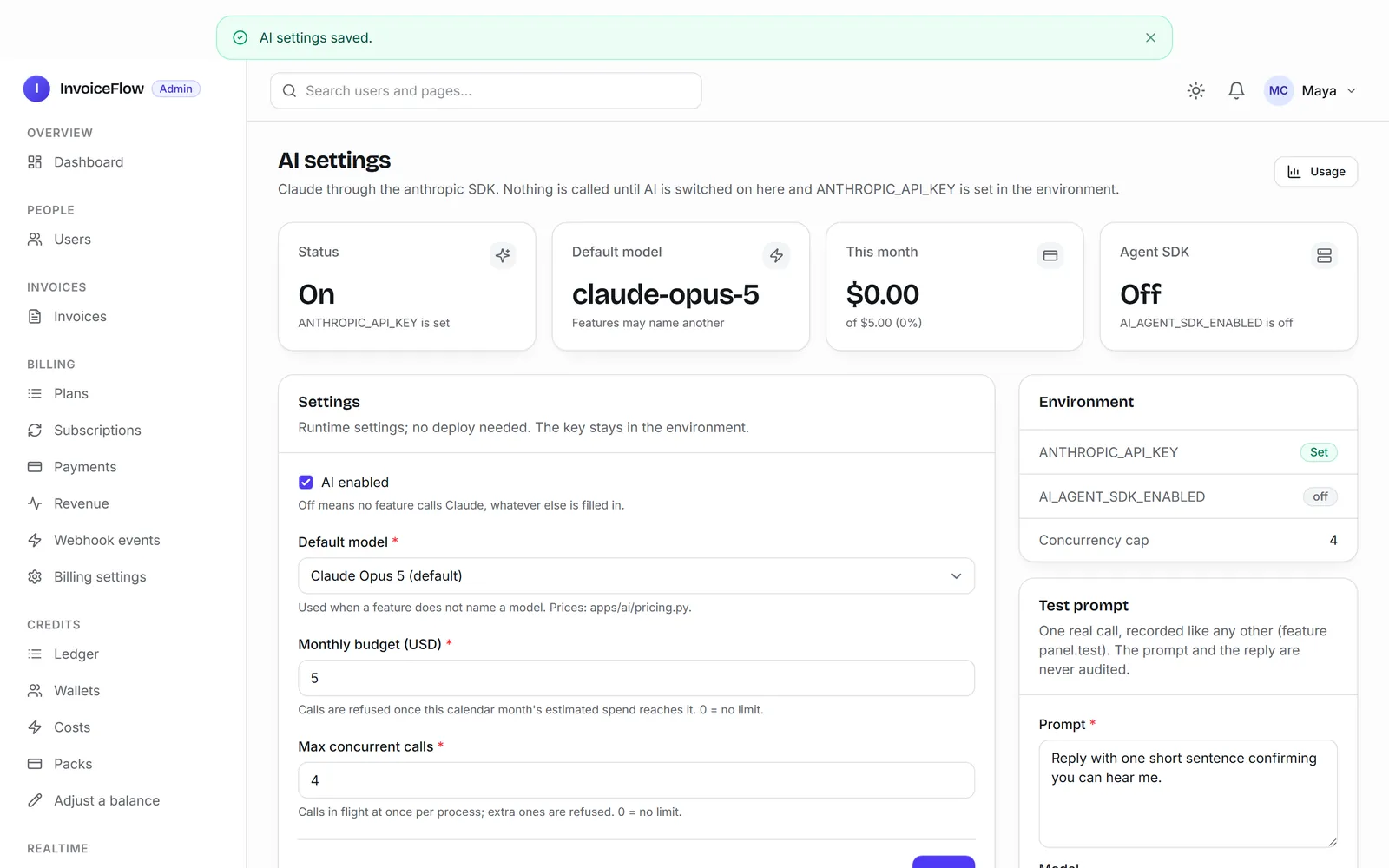
uv run poe dev. - Panel, AI: tick AI enabled, set a Monthly budget (USD), and Save. Calls are refused once the month's estimated spend reaches the budget.
2. The prompt
Add an AI feature to invoices: on an unpaid invoice, a "Write reminder" button drafts a short, polite payment reminder email with AI, using the client name, the amount and the due date. Each reminder costs 1 credit, the text is saved on the invoice so the user can copy it later, and the user gets a notification when it is ready. When you are done, run /ship.
It took 6.6 minutes and 53 turns ($1.08). The ai-integration skill loaded by itself. From its answer:
Clicking the button checks the credit balance first. If it's too low, the user sees "not enough credits" straight away and nothing is queued. A background task takes 1 credit, asks Claude for the email and saves the text on the invoice. It then sends a notification: "Your payment reminder is ready". If the AI call fails, the credit is refunded and the page shows why. If the task runs twice, the user is charged once and Claude is called once.
11 new tests, all green.
3. The first real draft was wrong
The tests replace the AI with a fake, so they check the plumbing, not the words. Then we clicked Write reminder on an invoice that was 12 days overdue, against the real API:
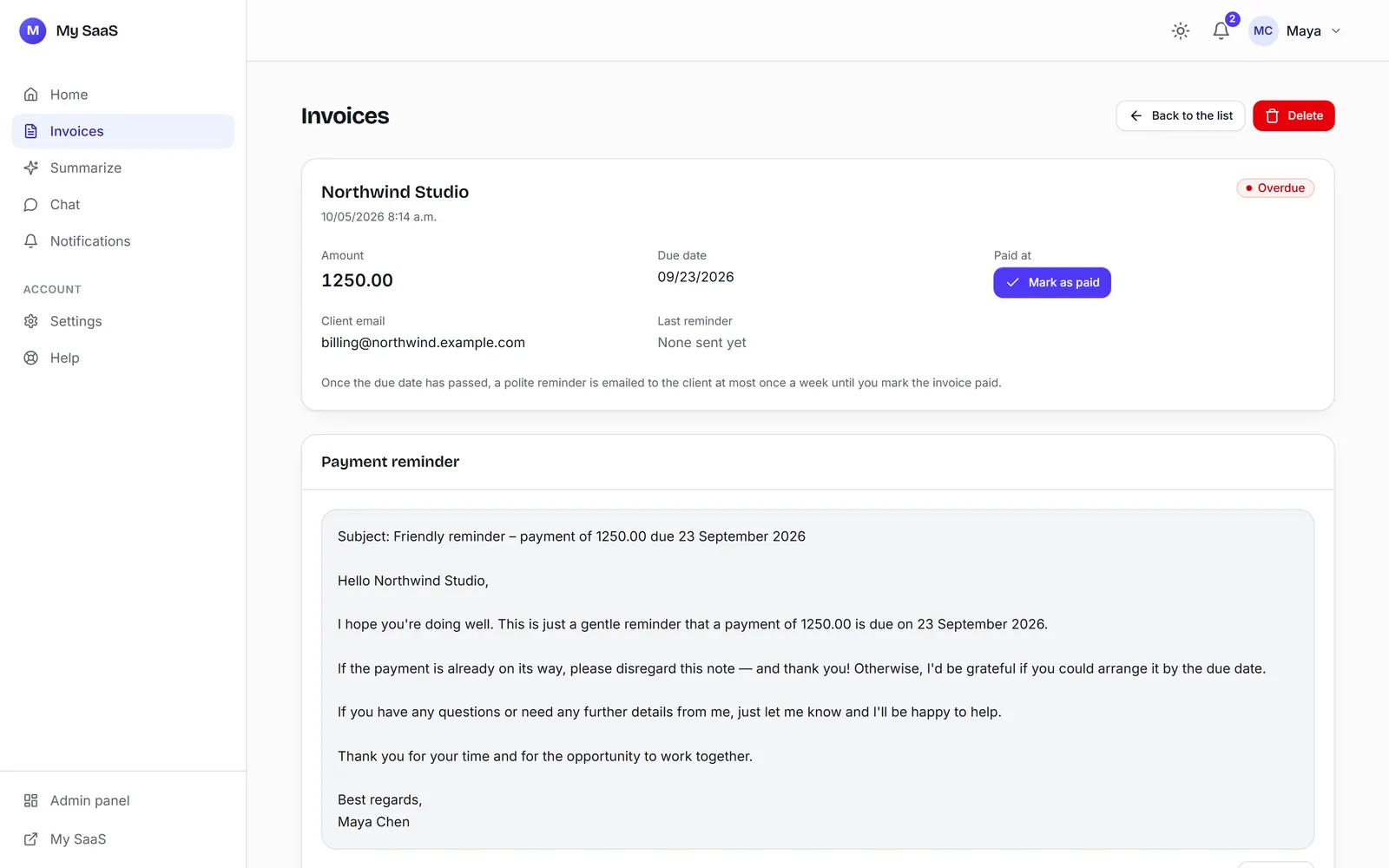
The model does not know today's date. The prompt gave it the due date only. So we asked:
On an overdue invoice, the reminder draft says the payment is due on a date that has already passed and asks the client to pay by that date. Give the AI today's date and how many days overdue the invoice is, so a reminder for an overdue invoice says it is overdue. When you are done, run /ship.
2.1 minutes ($0.33) later the draft said "now 12 days overdue". We also added this rule to the ai-integration skill, so a feature built from release 1.0.2 gets today's date from the start.
Read the first real output
Green checks prove the feature runs. Only a real reply proves it says the right thing. Click your AI feature once against the real model before you ship it.
4. What a user sees
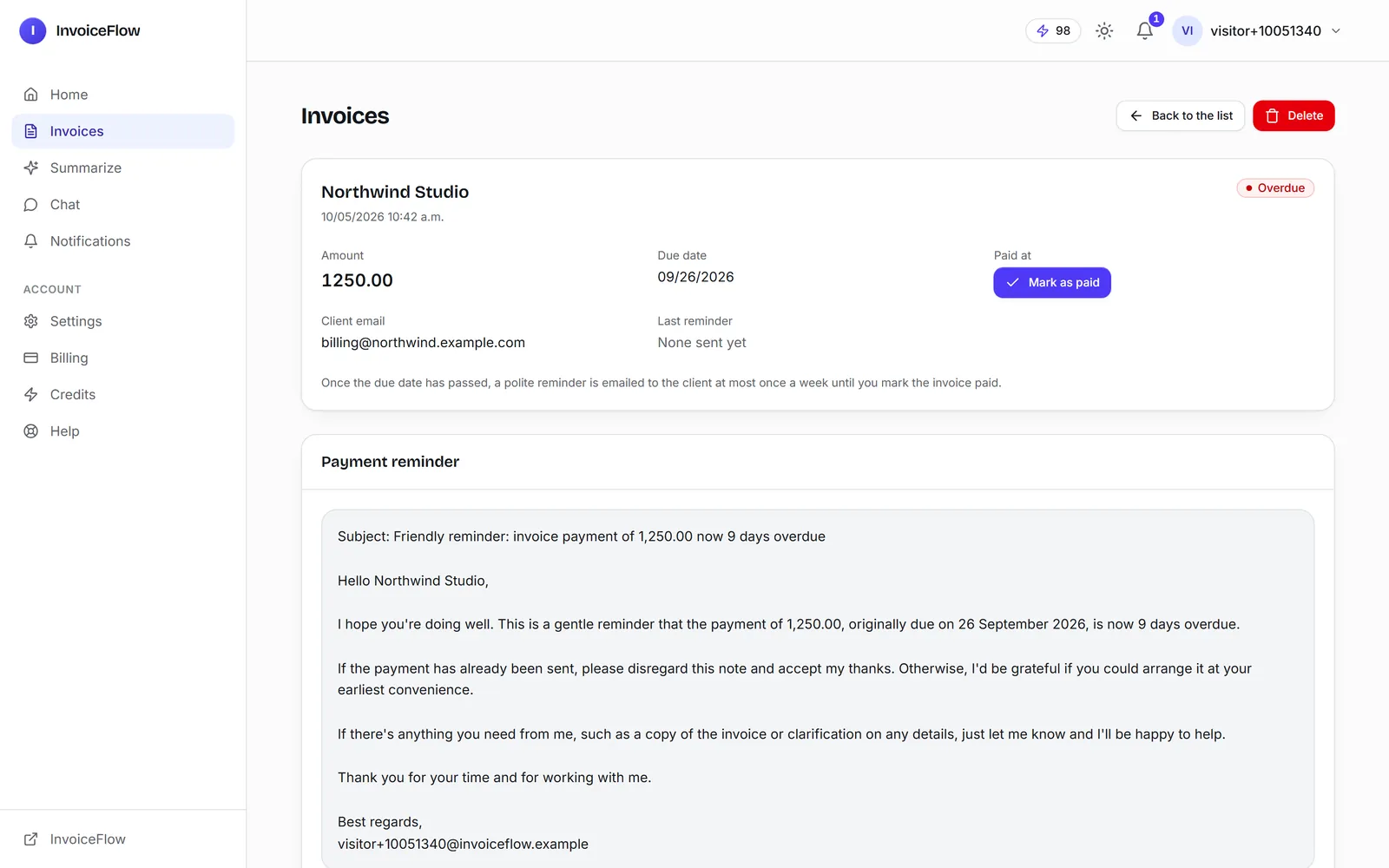
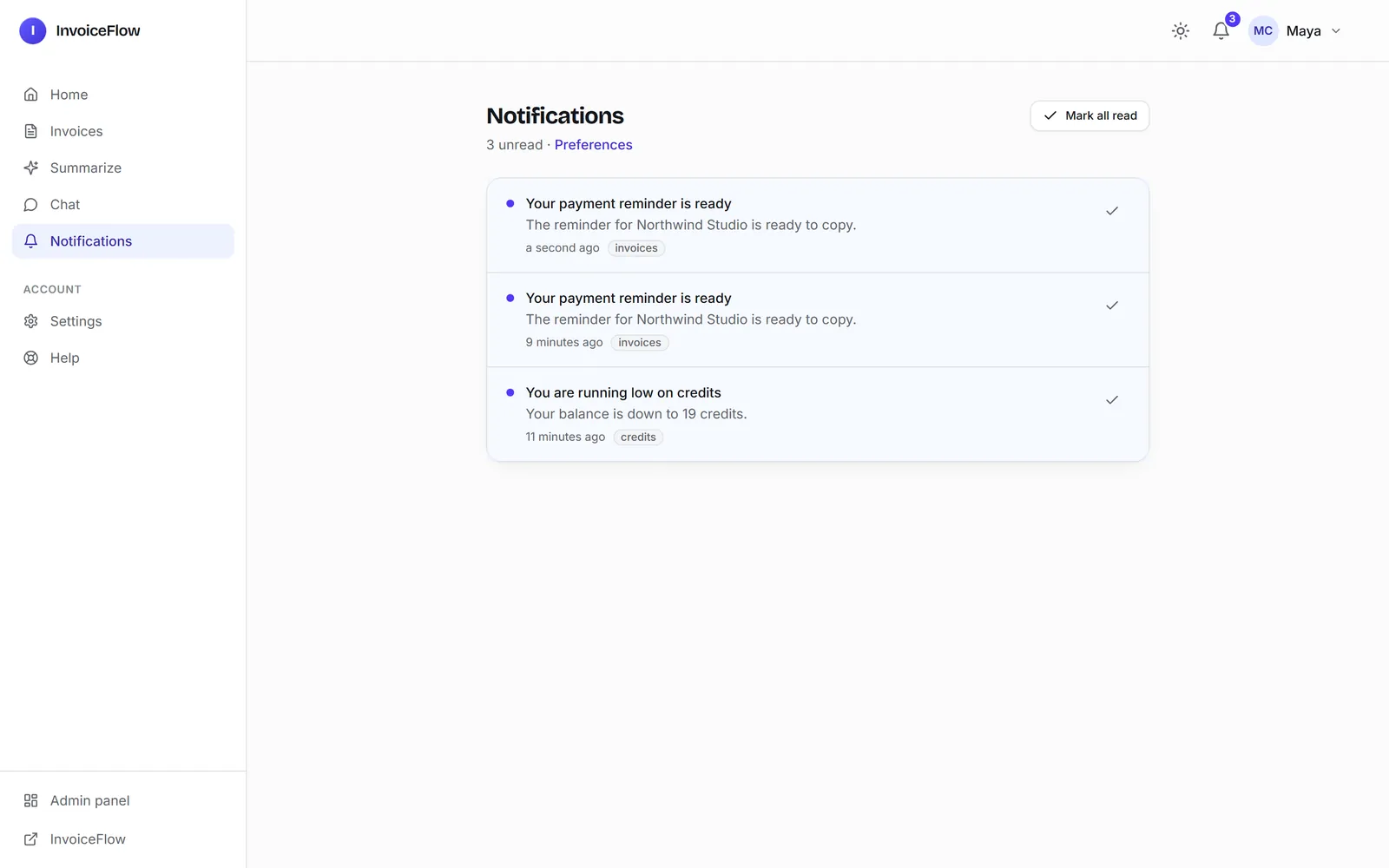
The draft is saved on the invoice with a Copy button, and the bell shows "Your payment reminder is ready":
What it costs
One draft took 4.7 seconds and cost $0.0071 (251 tokens in, 232 out) on our machine; on the live demo, 5.5 seconds. The panel's AI, Usage page logs every call with its model and cost, and the dashboard shows the month's AI spend.
Next: Make It Yours.