You bought a working mobile app, not a tutorial. It signs people in, takes payments, sends push notifications, works offline, and builds for both stores from one codebase. Your job is to replace the demo screens with your product.
This page is the map. Read it once, then go to Get the Code.
What is actually in the box
Measured on the repository you are about to clone:
| Files | 285 |
| Passing tests | 85, across 12 suites |
| UI components | 27, from 14 modules |
| Written guides | 9 |
| Task recipes | 27 short how-tos |
| Languages | English, Spanish, Arabic (with right-to-left layout) |
The parts, in plain words
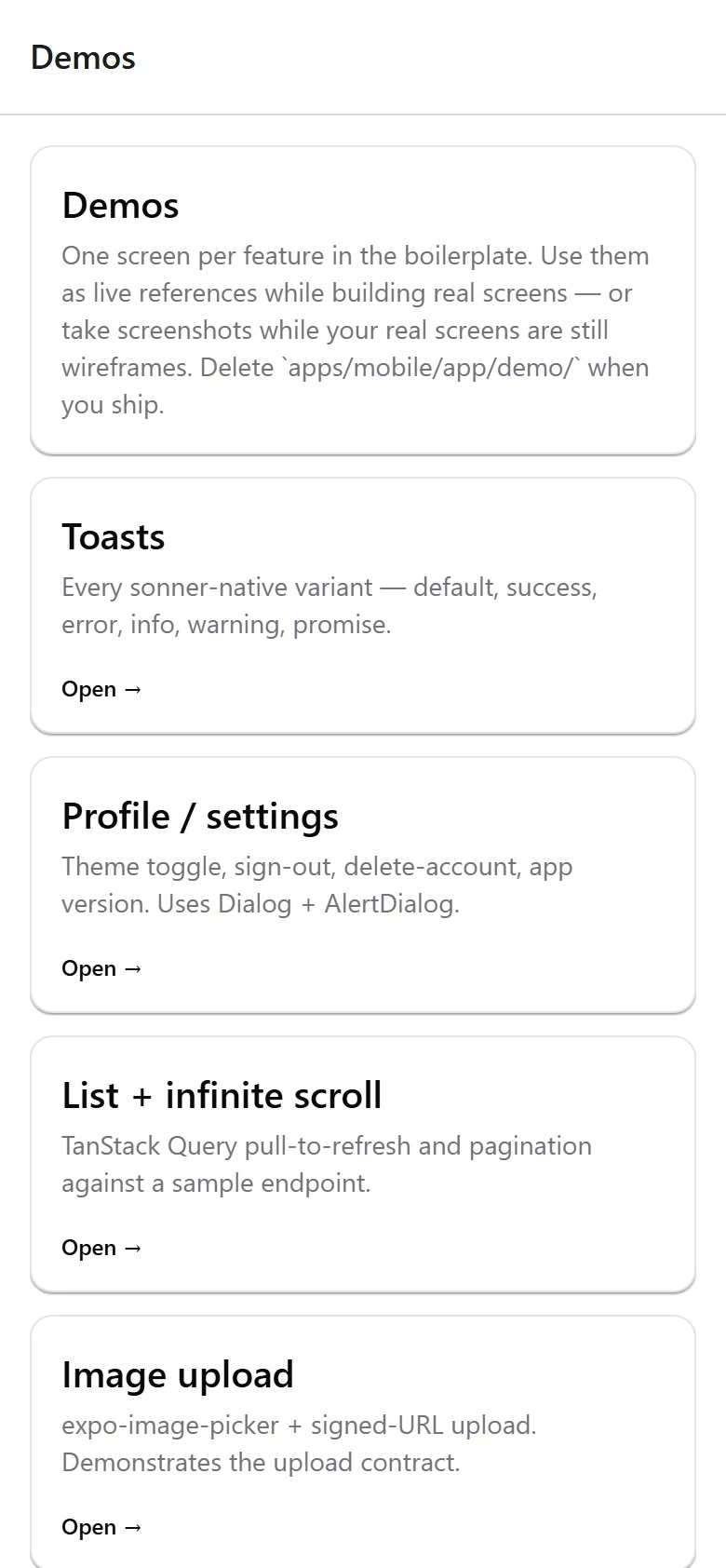
apps/mobileis the app itself. Expo SDK 54, React 19, and Expo Router, which means a file in theapp/folder becomes a screen. If you have built a Next.js site, this will feel familiar.apps/apiis an optional backend. It handles sign-up, sign-in, password reset, file uploads, and payment webhooks. It stores data in a single SQLite file, so there is no database to install. Delete it if you already have a backend.packages/uiis the component kit: buttons, cards, inputs, dialogs, toasts, and more, all themed for light and dark mode.packages/auth,packages/api-client,packages/payments,packages/analyticsare the wiring behind sign-in, data fetching, purchases, and event tracking..claude/teaches AI coding tools your conventions. See Open It in Claude Code.
What works with zero setup
Clone, install, run. No accounts, no API keys, no credit card:
- sign-up, sign-in, sign-out, password reset, delete account
- every screen and component, in light and dark mode
- language switching, including right-to-left Arabic
- lists, search, filtering, pull-to-refresh, infinite scroll
- toasts, dialogs, empty states, error boundaries
Every paid integration is written so that a missing key turns the feature off instead of crashing the app. That is why a fresh clone runs green.
What needs something from you first
Be realistic about this before you plan your launch:
| Feature | What it needs |
|---|---|
| In-app purchases | A RevenueCat account and a development build on a real device. In a browser the paywall shows a placeholder telling you which key is missing. |
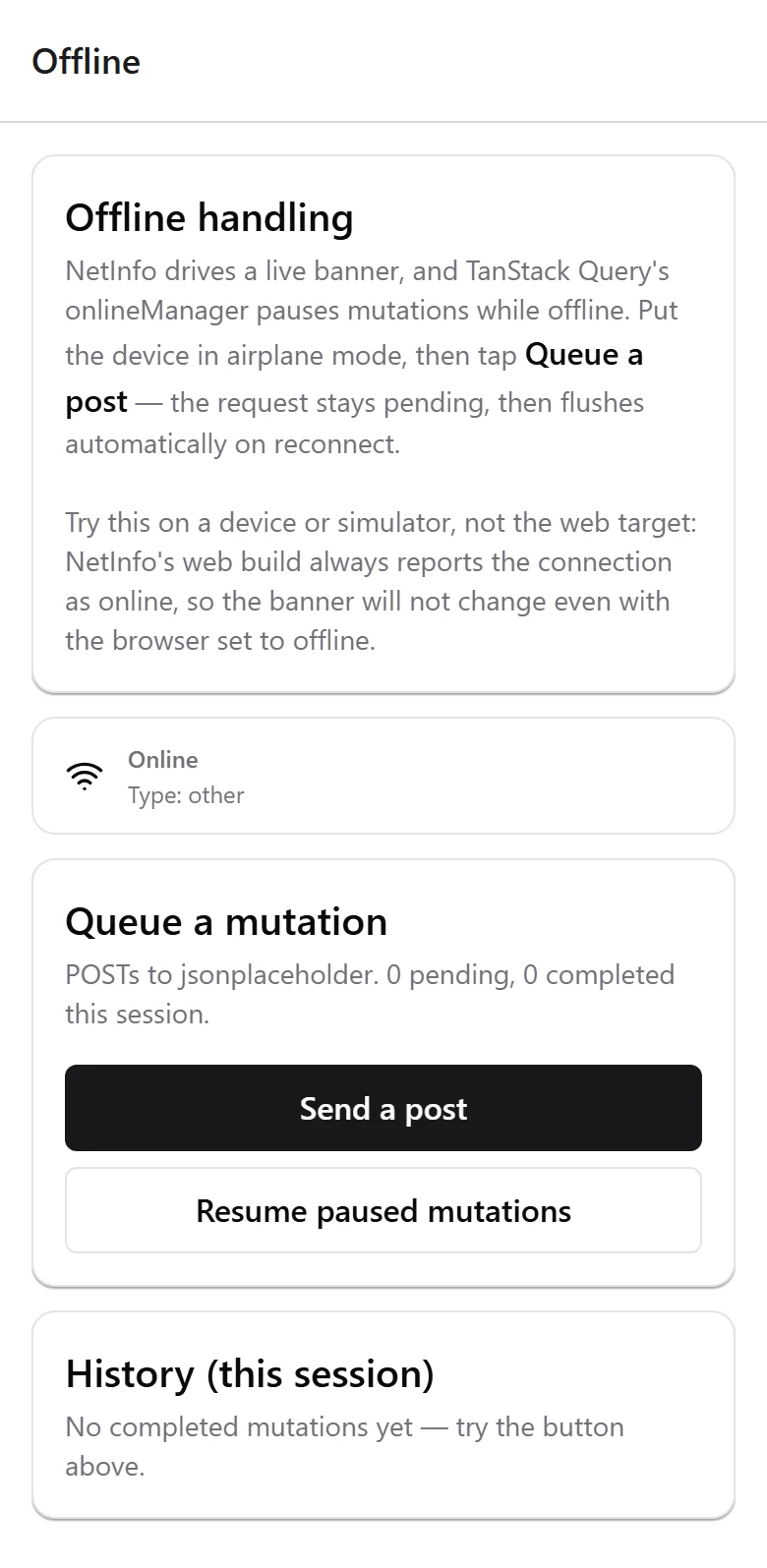
| Push notifications | A physical device. Push tokens do not work in a web browser. |
| Camera, barcode scanner, maps | A development build. In a browser these show permission placeholders. |
| Google Maps | A Google Maps API key. |
| Sign in with Apple or Google | Developer accounts and client IDs. |
| Password-reset emails | A Resend API key. Without one, reset links print to the backend console, which is fine while you are building. |
| Clerk or Better Auth | Installing their SDK and uncommenting one line. See Choosing an Auth Provider. |
Why the honesty helps you
A boilerplate that claims everything works everywhere costs you a weekend when you discover it does not. The list above is what a real first day looks like, and the screen above is the boilerplate telling you so itself rather than letting you find out.
What you can build with it
A subscription app, a habit tracker with no login at all, a scanner tool, a marketplace client on top of your existing backend. The shell is the same; you swap the screens.
Where to go next
- Get the Code accept the repo invite and clone.
- Run It on Your Computer about a minute to a running app.
- Build Your First Screen your first real change.