The React Native Boilerplate Your AI Agent Already Understands
Expo SDK 54 and React Native, with auth, in-app and Stripe payments, push and offline sync already wired. Your agent reads a 37-row map of this repo before it writes anything, so it opens the right file instead of inventing a new one.
Every mobile app burns the same three weeks before feature one
Wiring auth, secure token storage, and refresh-token rotation, before you build a single screen.
Fighting RevenueCat, Stripe, and Apple's IAP rules to take your first payment.
EAS builds, push certificates, and a TestFlight rejection you did not see coming.
This is the codebase you wish you had started with. Auth, payments, push, offline, and native APIs are already wired, so day one is your actual product.
A 37-row table tells your agent which file to open before it writes anything
Not a README it might skim. A file Claude Code loads at the start of every session in this repo, mapping the sentence you are about to type to the exact rule or recipe it should read first.
# CLAUDE.md

This file is loaded into Claude Code's context every
session in this repo. It's the single source of truth
for **how to code in this project** — conventions,
architectural rules, and pointers to per-task recipes.

⋮

## Conventions (these are RULES, not suggestions)

1. **Backend-agnostic by default.** No code in
   `apps/mobile/` may import from `apps/api/`. The
   mobile app talks only through `@repo/api-client`
   against a configurable `EXPO_PUBLIC_API_URL`.

2. **Type safety end-to-end.** Every API response goes
   through a zod schema. No `any`. Shared types live in
   `packages/auth/src/types.ts` or alongside the
   relevant zod schema.

3. **Secrets in secure storage.** Tokens go in
   `expo-secure-store` on native and `localStorage` on
web (dev-only). Never `AsyncStorage` for tokens.A "before you code" table mapping what you might ask for to the rule or recipe to read first. All 37 targets exist in the repo, so none of them sends your agent to a file that is not there.
A section headed "Conventions (these are RULES, not suggestions)", from backend-agnostic imports to where tokens may be stored, plus 7 more under "What NOT to do".
/new-screen, /new-api-call, /new-form and /add-paywall scaffold the wiring, so your agent fills in logic rather than layout.
11 per-feature rule files and 27 task recipes, covering the offline queue, deep linking, infinite scroll, camera, maps, and the Apple rules for non-IAP payments.
Every system you'd build yourself — already wired up
Pick a system to see what's done. Auth, payments, push, offline, native device APIs, and 27 UI components ship ready to use.
Auth & Accounts
Payments: IAP + Stripe
Native Device Features
Data, Offline & Sync
Observability & Feature Flags
Built for Claude Code
Ship to the Stores
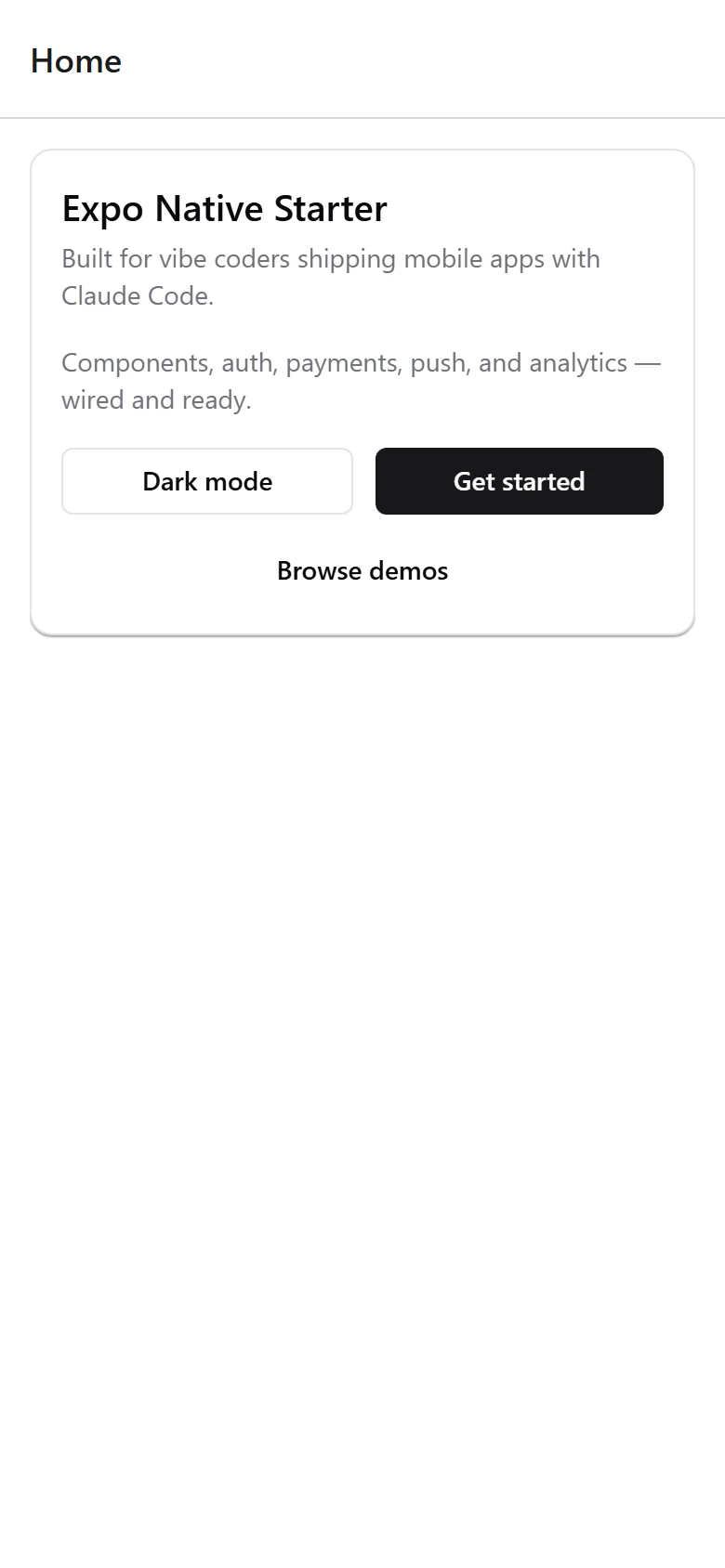
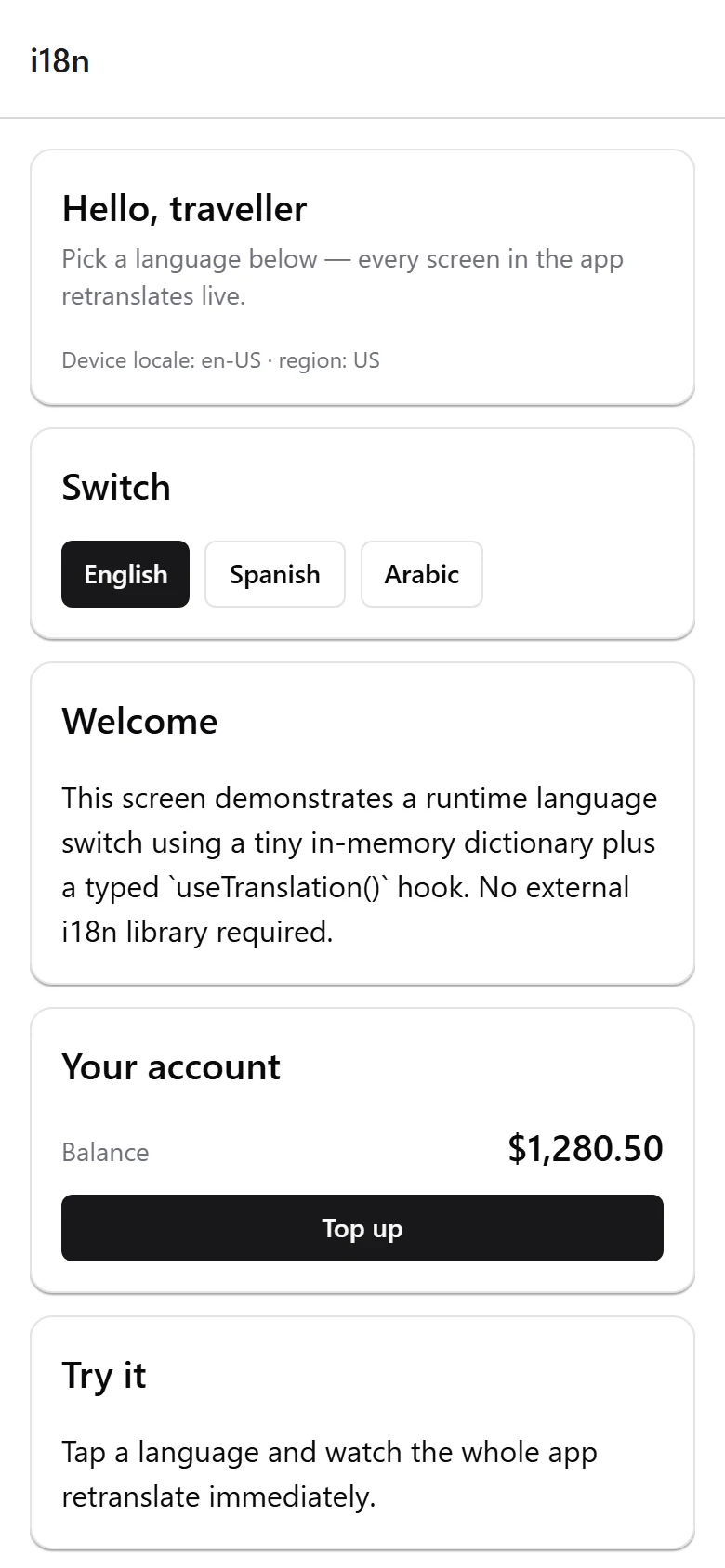
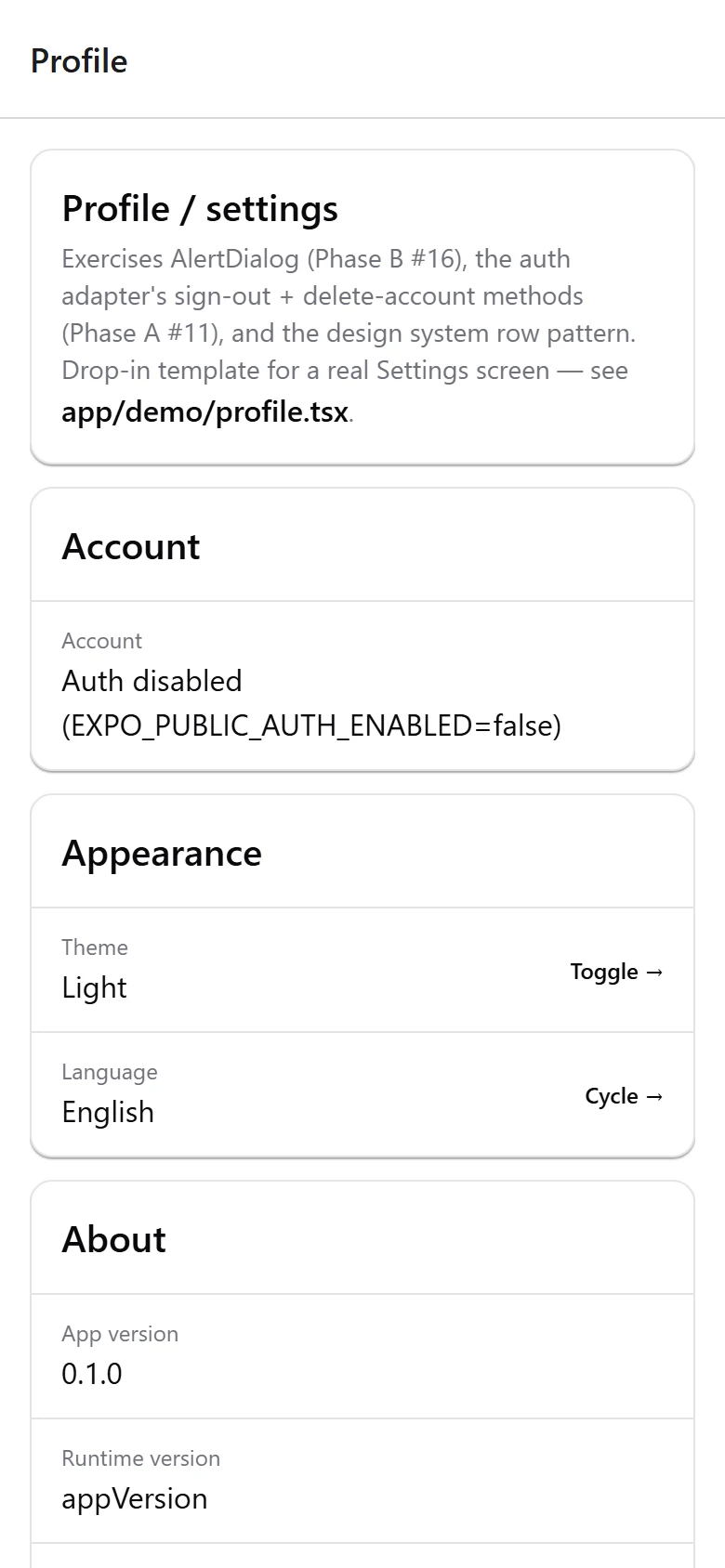
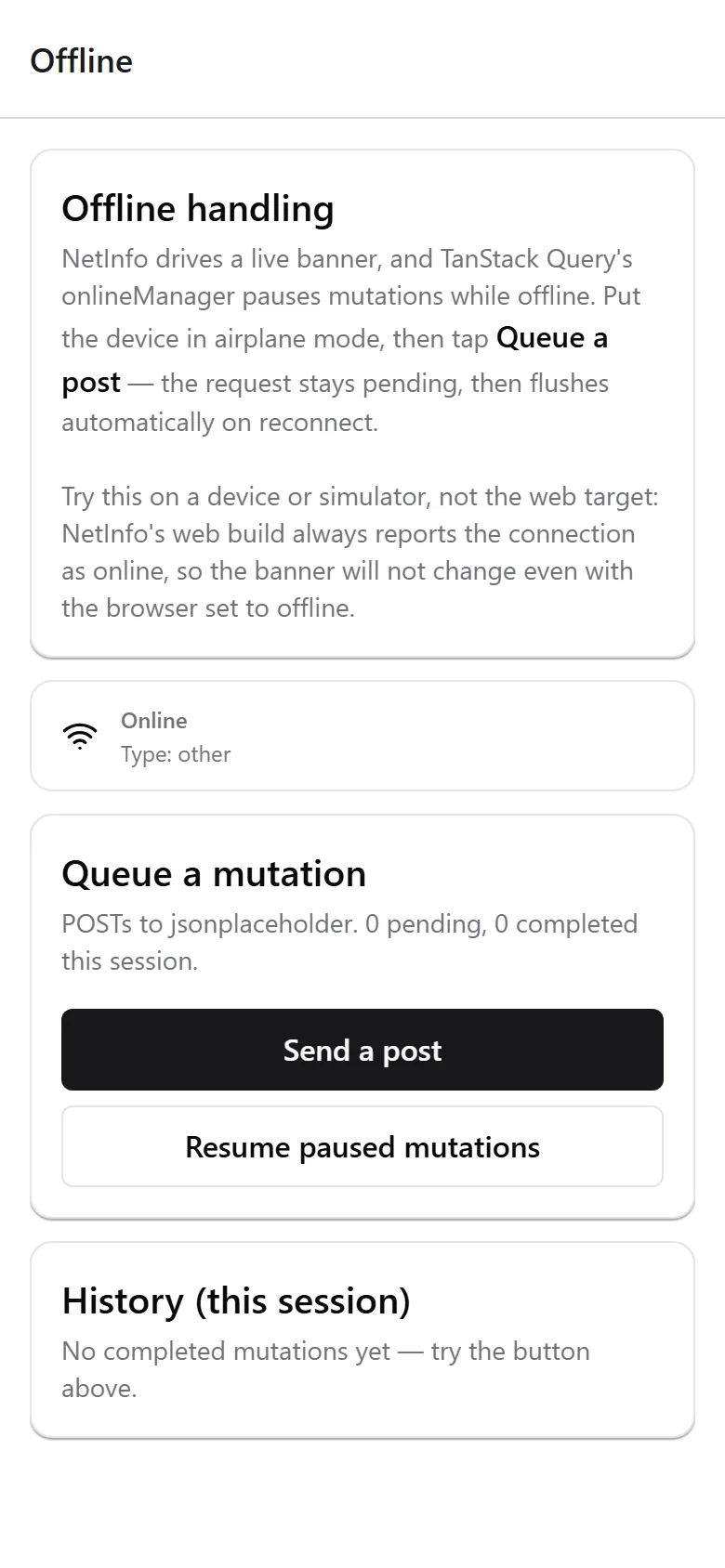
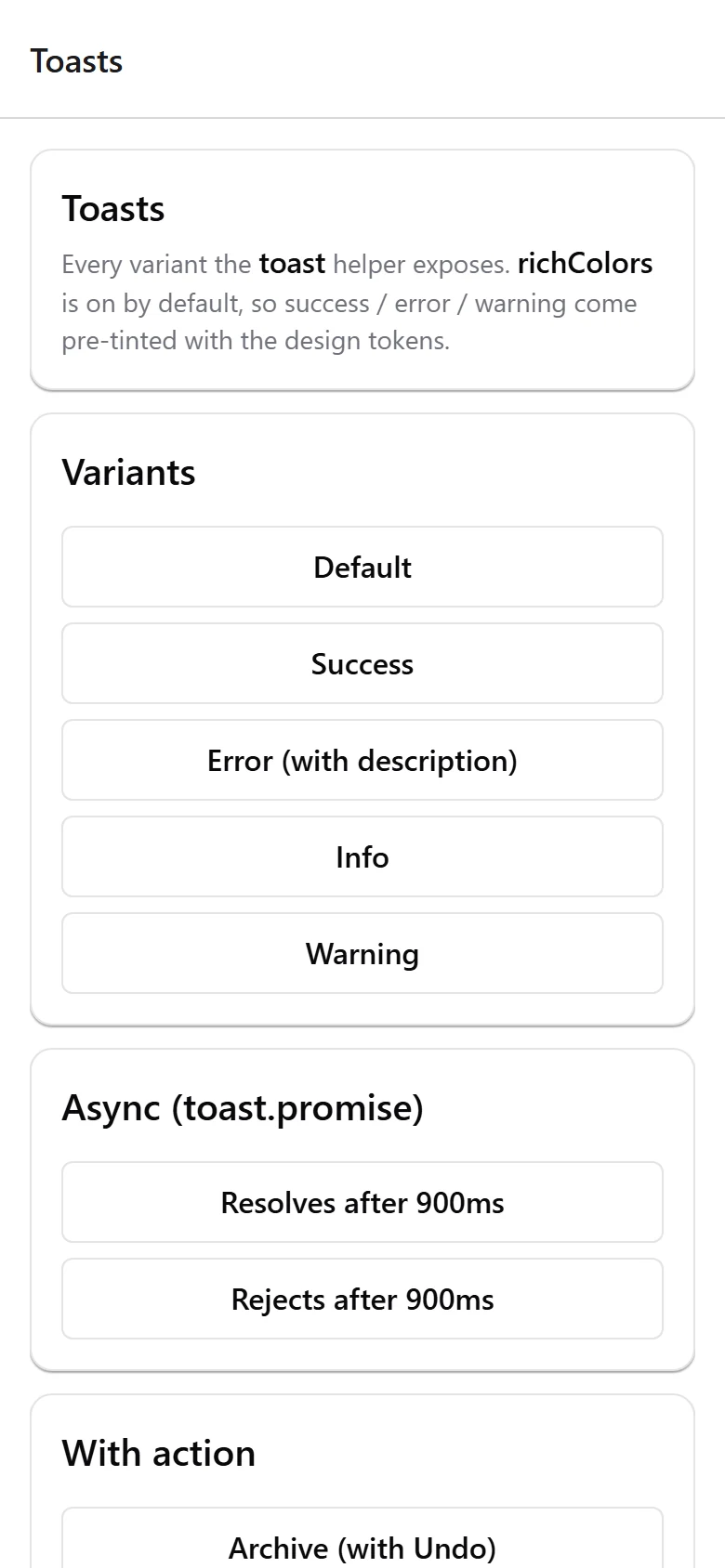
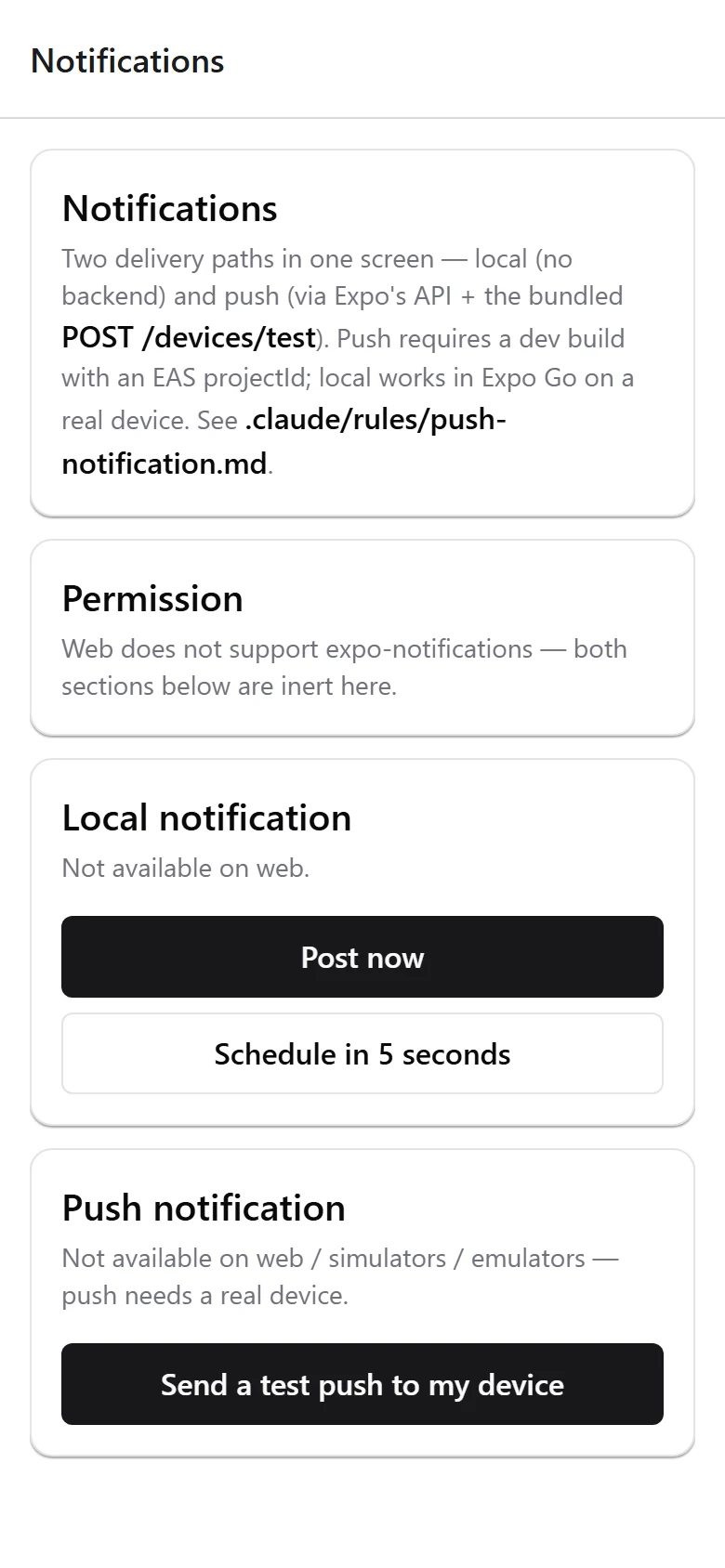
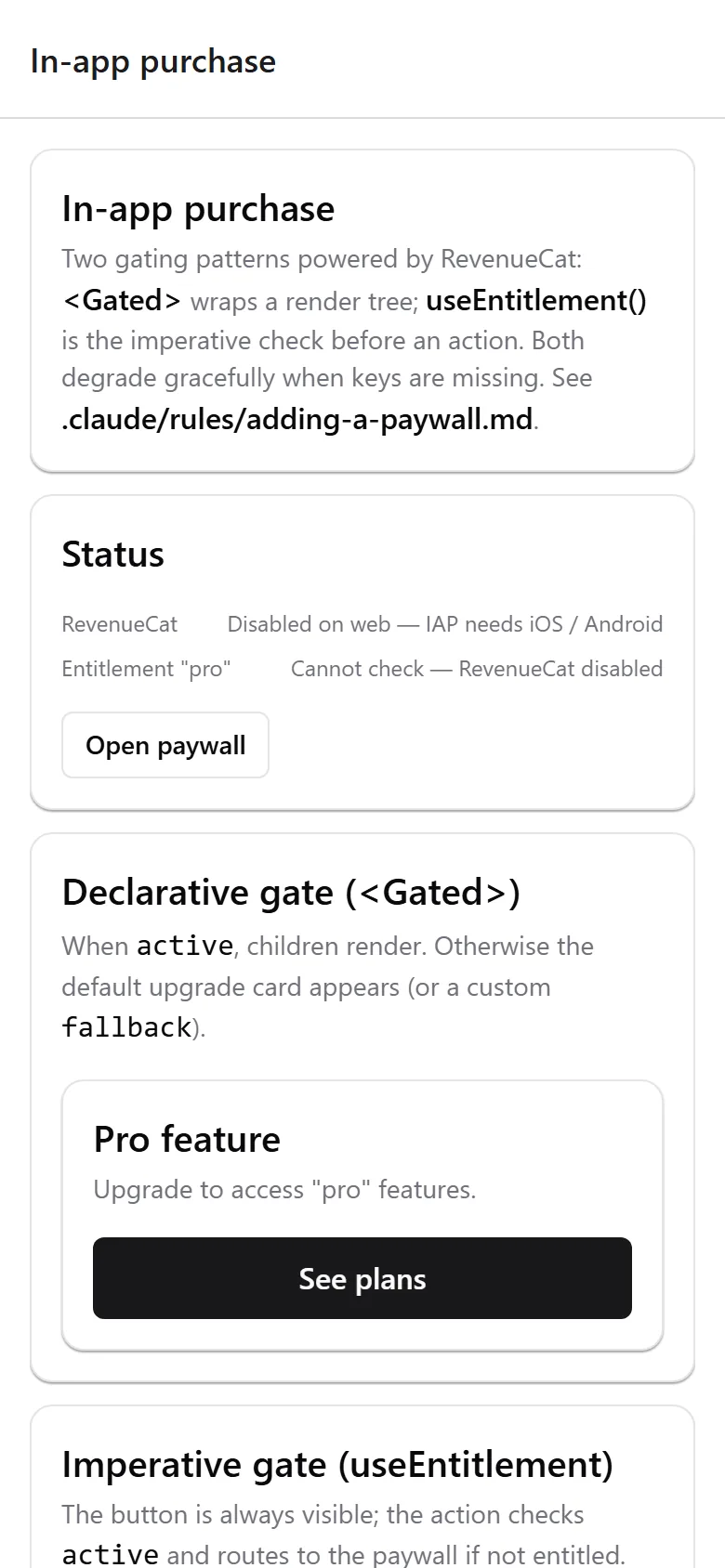
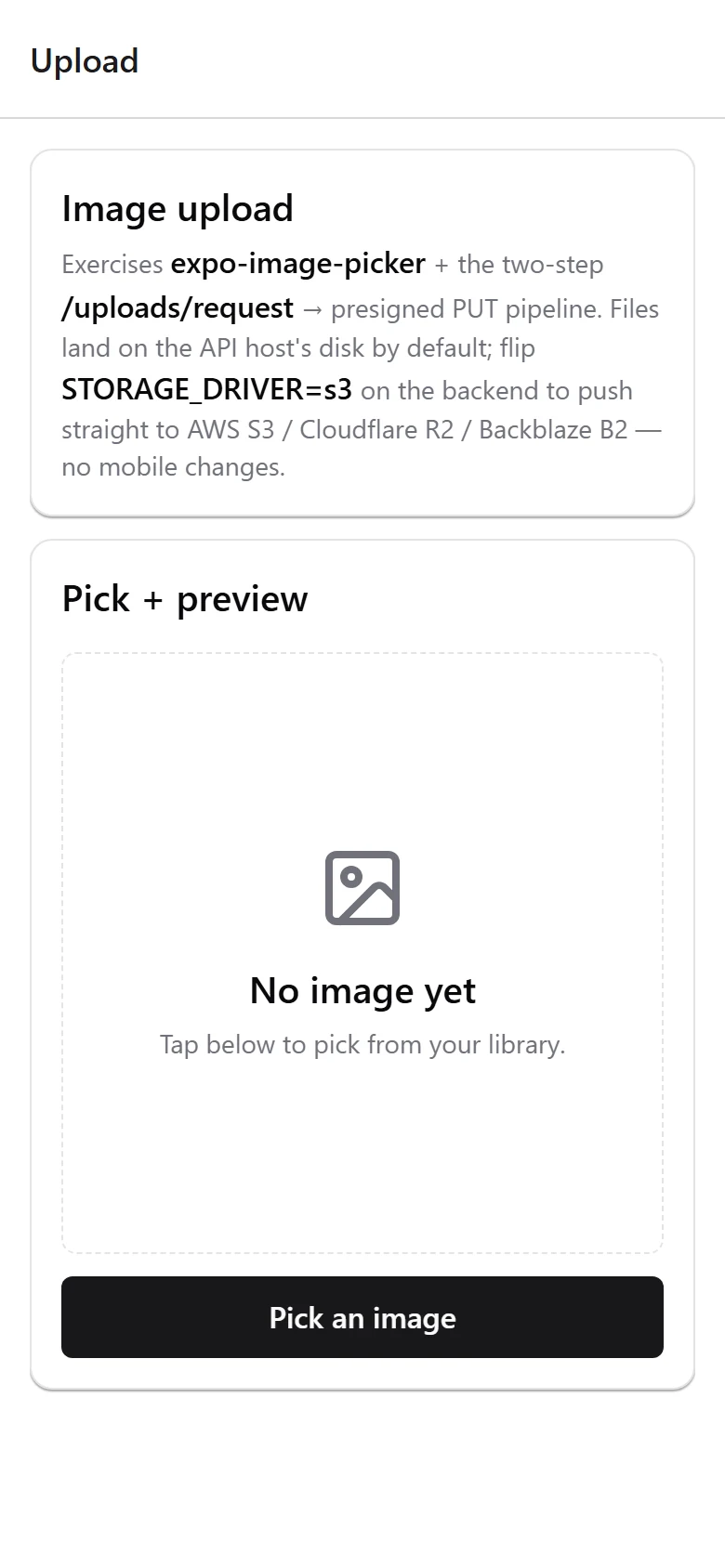
Real screens, not mockups
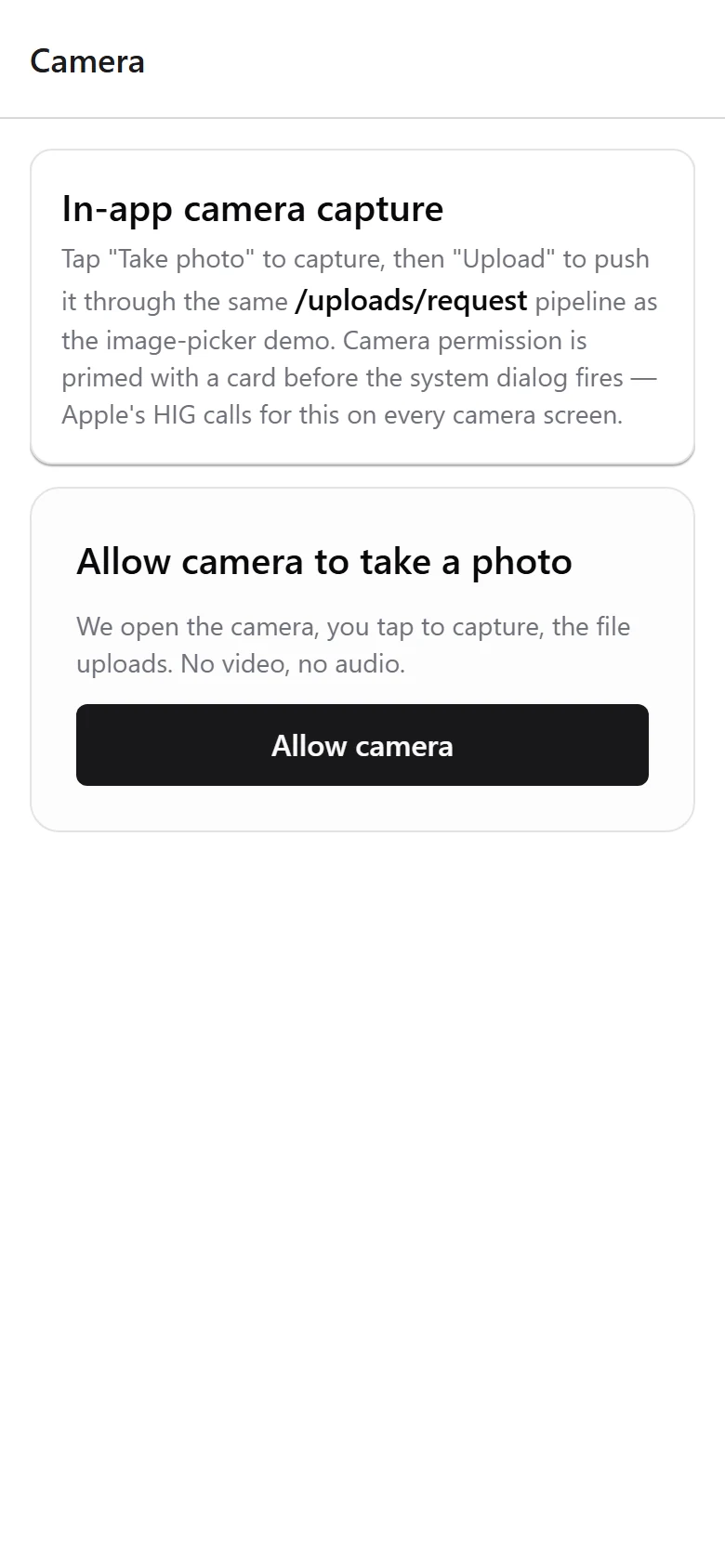
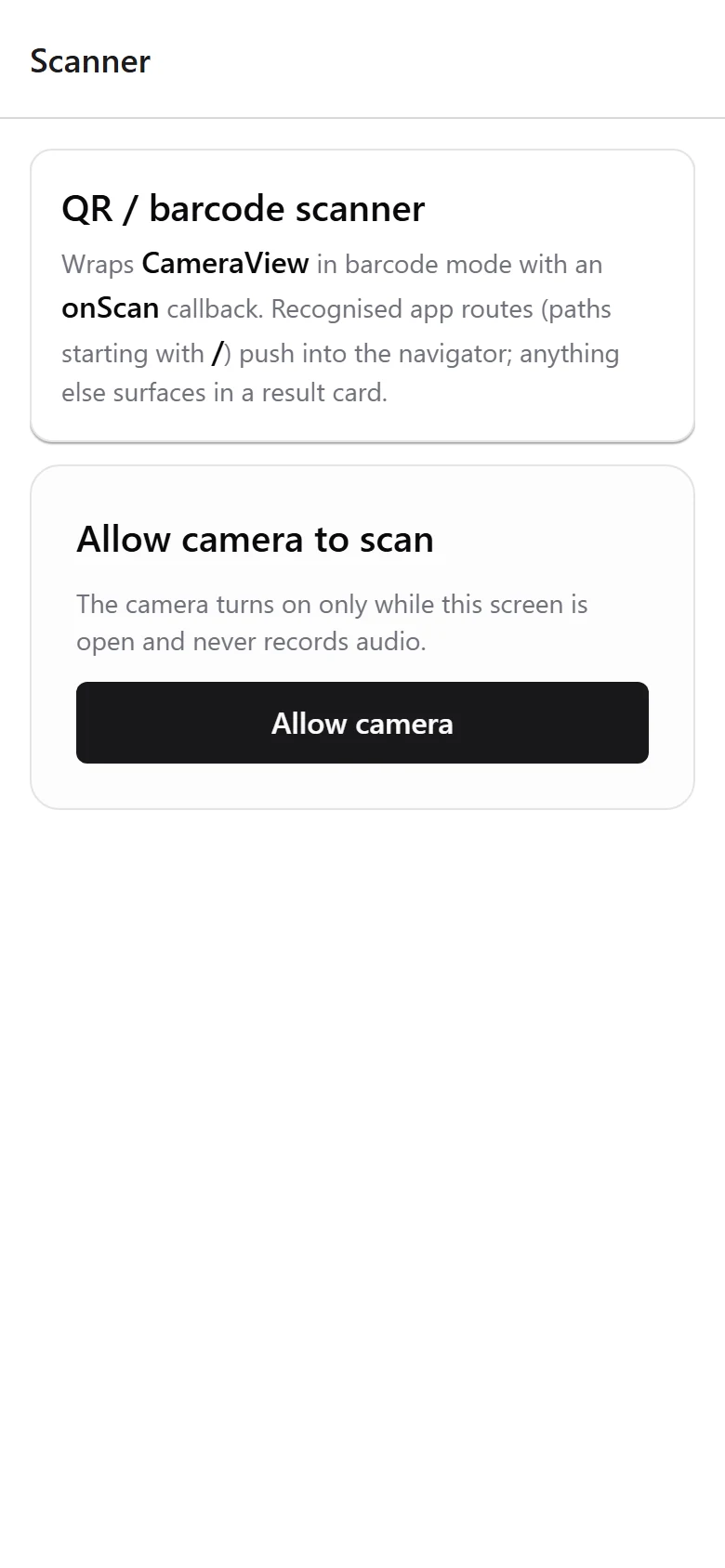
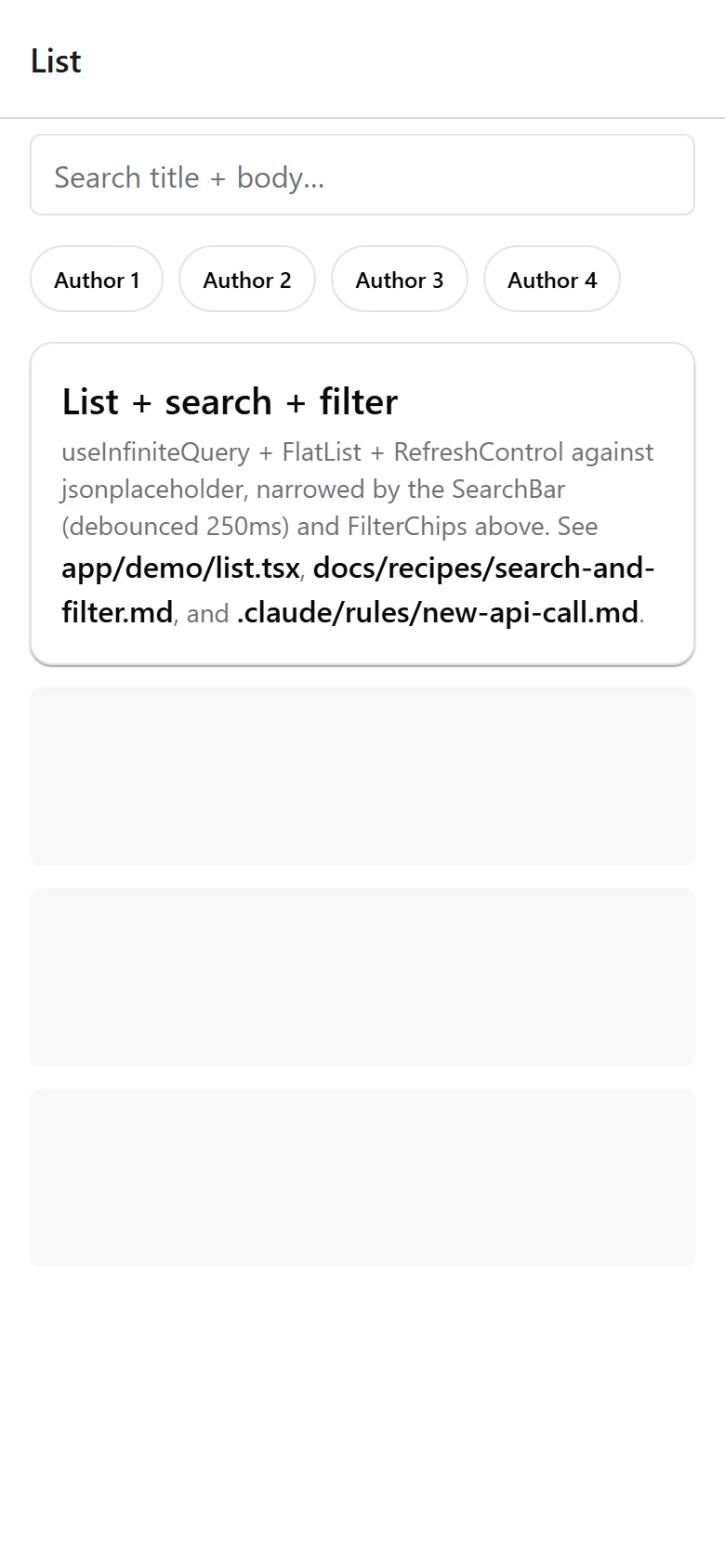
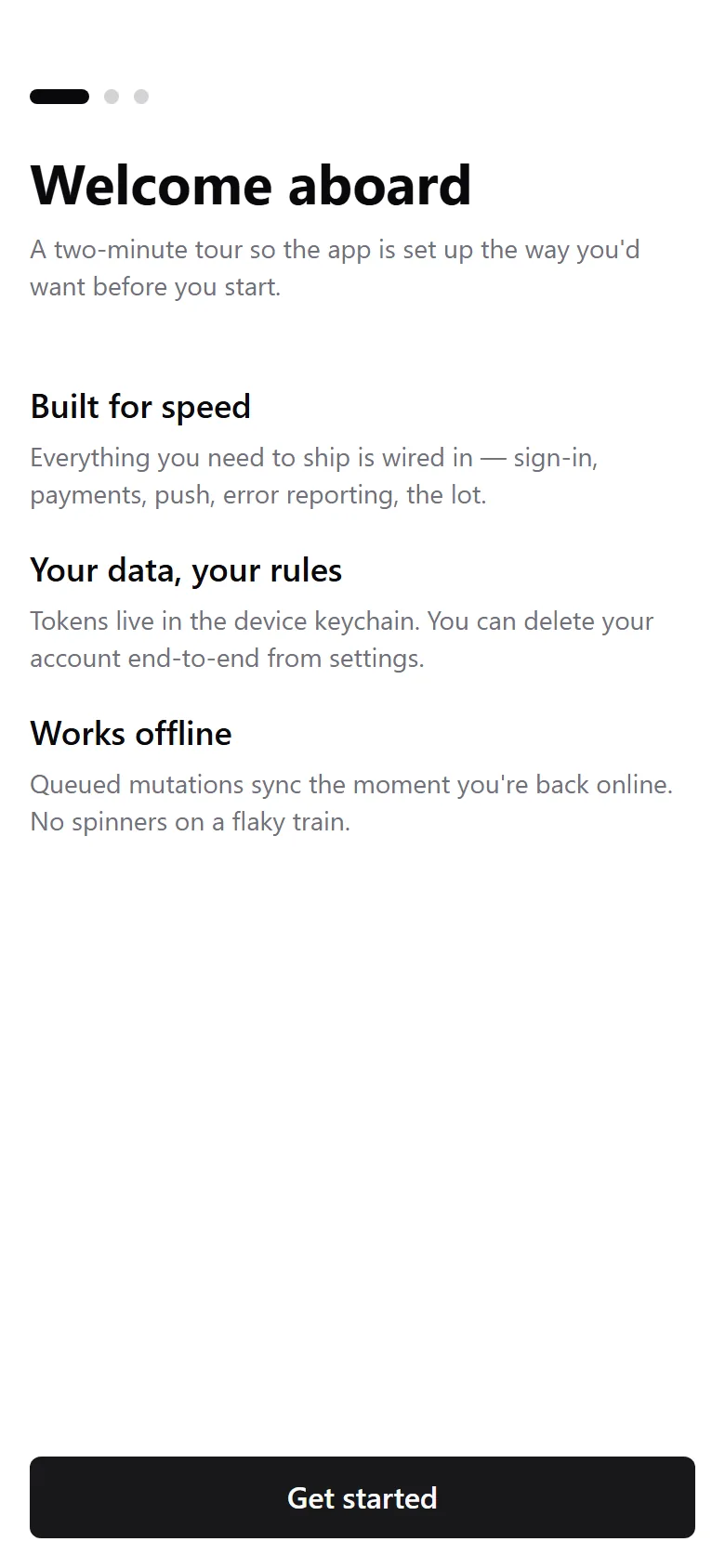
Every screen below is the boilerplate running unmodified. Tap through the tour.
This template vs. the alternatives
Against rolling your own Expo setup, or starting from a bare create-expo-app project.
| Feature | This template | Build from scratch | Generic boilerplate |
|---|---|---|---|
| One useAuth() interface (JWT wired, Clerk / Better Auth adapters) | |||
| Social sign-in (Apple + Google), verified server-side | |||
| In-app purchases (RevenueCat) | |||
| Stripe non-IAP checkout | |||
| Push notifications wired | |||
| Offline mutation queue | |||
| i18n + RTL (en / es / ar) | |||
| Sentry + PostHog + feature flags | |||
| Optional bundled backend (Hono + SQLite) | |||
| EAS build/submit + CI + OTA updates | |||
| 27 themed UI components (NativeWind) | |||
| 85 passing tests | |||
| CLAUDE.md for AI coding tools | |||
| Time to first store submission | ~1 week | ~2 months | ~3 weeks |
You'll get the most out of it if…
Solo builders shipping a mobile app
You want your app in the stores, not another month wiring auth, payments, and push from scratch.
Teams with an existing backend
You already run Django, Rails, or Node. Delete the bundled backend, set one env var, and keep your API.
AI-coder teams (Claude / Cursor / Copilot)
CLAUDE.md and slash commands mean your AI agent scaffolds correct screens, hooks, and forms every time.
No-login app makers
Calculator, habit tracker, offline tool? Turn auth off and ship a no-account app on the same foundation.
Buy it solo — or bundled and save
Just this boilerplate, or a bundle that unlocks the courses and every other boilerplate too.
React Native and Expo boilerplate built for Claude Code, Cursor and Copilot. Auth, payments, push and offline sync already wired, with a 37-row map telling your agent where each one lives.
- Mobile App Boilerplate $59
- Lifetime access to all updates
The course + all 4 boilerplates.
- Build With AI 1.0Course $149
- Desktop App Boilerplate $49
- Python MCP Server Boilerplate $79
- Mobile App Boilerplate $59
- Django SaaS Boilerplate $49
- Private Discord community $99
- Lifetime access to all updates
Every course, boilerplate, and product I build, in one bundle.
- Agentic Automation 3.0CourseComing · In production $149
- Build With AI 1.0Course $149
- Self Hosting 2.0Course $69
- Vibe Engineering Blocks $0
- Vibe Engineering Blocks Full Edition $29
- Desktop App Boilerplate $49
- Python MCP Server Boilerplate $79
- Mobile App Boilerplate $59
- Django SaaS Boilerplate $49
- Business Ideas Database $49
- Private Discord community $99
- Lifetime access to all updates
Frequently asked questions
What exactly do I get when I buy the Mobile App Boilerplate?
You get an invitation to a private GitHub repository with the full source code: 285 files, 85 passing tests, 27 UI components, an optional backend, 9 guides, and 27 task recipes. Clone it, ship it under your own name to the App Store and Google Play, and get lifetime updates by running git pull when new versions land.
How long does it take to get running?
On a fresh clone: well under a minute of commands, then the app opens on the web target. Timed at 25 seconds from git clone to a migrated database with the package cache warm, plus about 90 seconds for the first browser bundle. The very first install on a new machine pulls the whole dependency tree and takes two to four minutes. From there you sign up in the app and land on the home screen with your own account.
Do I run it in Expo Go, or do I need a dev build?
The JavaScript surface runs in Expo Go for fast iteration, and the whole app also runs in a browser on the web target while you develop. Native modules such as RevenueCat, push notifications, camera, and maps need a dev build, which is one EAS command. The docs walk you through both paths.
Can I use it with my own backend?
Yes, it is backend-agnostic by design. Keep the bundled Hono + SQLite backend, or delete apps/api, point EXPO_PUBLIC_API_URL at your Django, Rails, FastAPI, or Node API, and implement the documented backend contract.
Can I really swap auth providers with one setting?
Custom JWT is wired and working out of the box, against the bundled backend or your own. Clerk and Better Auth are adapter slots rather than finished integrations: you install the provider SDK and uncomment one line in apps/mobile/lib/auth.ts, and your screens keep calling the same useAuth() hook. Budget an hour for that swap, not a rewrite.
In-app purchases or Stripe, which do I use?
Apple and Google require in-app purchase (RevenueCat, included) for digital goods sold inside the app. Stripe is for web checkout, physical goods, or services. Both sit behind one PaymentAdapter, and the full Apple-rules matrix is documented so you stay compliant.
Do I need a Mac?
For iOS you either build locally on macOS or use EAS cloud builds, so no local Mac is required. Android builds run from any OS, and you can preview the whole app in a browser while you develop.
Do I need to know React Native?
You need basic React. The app is React 19 + Expo Router, which uses file-based routing like Next.js, so if you have built a React or Next app you will be productive quickly. You do not need Swift or Kotlin; the boilerplate handles the native modules for you.
What if my app has no login?
Set EXPO_PUBLIC_AUTH_ENABLED=false and the sign-in wall and account UI disappear, leaving the (auth) folder safe to delete. You get a no-account app on the same foundation, with offline, analytics, payments, native APIs, and store tooling all still working.
How are updates delivered, to me and to my users?
To you: you keep GitHub access for the lifetime of the product, so git pull brings new features and fixes. To your users: ship JavaScript changes over the air with expo-updates, and push native changes with eas submit.
Is there a refund policy?
Yes. If the boilerplate does not work for you, email me within 14 days for a full refund. No questions asked.
Can I use this with Claude Code, Cursor, or Copilot?
Yes, it is built for it. CLAUDE.md documents every convention, 11 per-feature rule files load the right context, and four slash commands (/new-screen, /new-api-call, /new-form, /add-paywall) scaffold a correct feature from a single prompt.
Stop reinventing the app shell. Start shipping.
$59 once. Lifetime updates. One commercial app.
Get Mobile App Boilerplate →