You bought a desktop app that already works, so that the app you actually want to build starts from a running window instead of an empty folder.
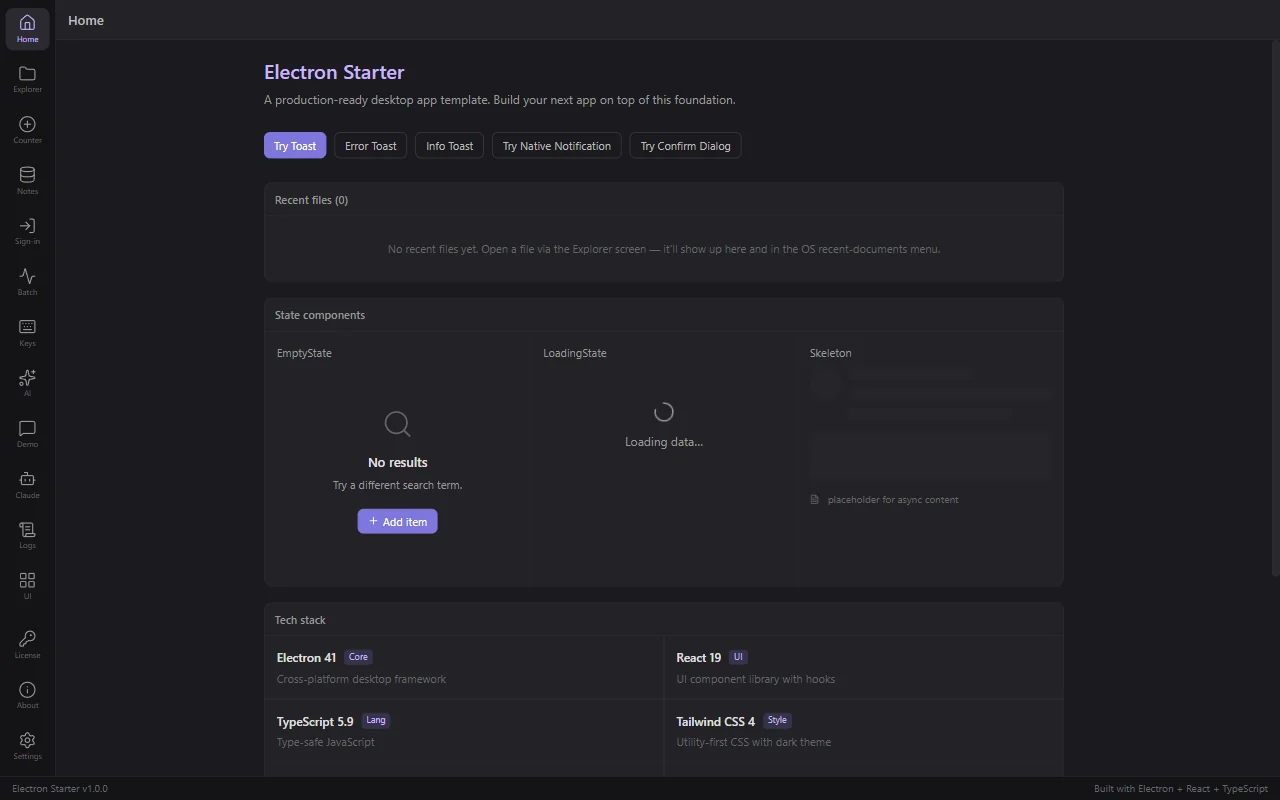
This page is the map. Read it once before you touch anything.
What is already built
Measured on a clean clone, not estimated:
| Tracked files | 334 |
| UI components | 45 (33 general, 8 layout, 3 motion, 1 file exports two) |
| Demo screens | 15, all working |
| Passing tests | 78 across 10 files, in under 4 seconds |
| Reference docs in the repo | 19 |
The systems that are done, wired, and running:
- Distribution. Windows NSIS installer, macOS DMG (arm64 and x64), Linux AppImage and .deb, and a GitHub Actions matrix that builds all three on a
v*tag. - Auto-update. electron-updater against GitHub Releases or any S3 compatible host.
- Licensing. Activation, deactivation, invalid-key refusal, keys encrypted by the operating system, and a 7 day offline grace window.
- Data. SQLite through better-sqlite3, with migrations and typed repositories.
- Auth. OAuth 2 with PKCE through the system browser, returning through a deep link.
- AI. The Claude Agent SDK and the OpenAI SDK, both with a working demo screen.
- The chassis. Theme system, i18n in two languages, tray icon, global shortcuts, command palette, drag and drop, recent files, telemetry with consent, crash recovery, a log viewer, and a redacted diagnostics export.
What is a demo, and should be deleted
Fifteen screens ship so you can see each system working. Most of them are examples, not your product. Delete them as you replace them.
Keep these until you have your own version: Settings, License, About, Logs. They are real app surfaces your users will expect.
Treat these as reference and delete them: Counter, Explorer, Notes, Batch, Demo, UI, Keys, Sign-in, AI, Claude.
Each one lives in a single folder under src/features/, and every screen is registered in one file, so deleting a demo is deleting a folder and one line.
What you still have to do
Nobody can do these for you, so plan for them:
- Buy certificates if you want a signed app. Windows Authenticode is around $200 a year, an Apple Developer account is $99 a year. The scripts are ready, the certificates are yours to buy. Unsigned builds run fine while you develop.
- Write a real license validator. The bundled one accepts any key so you can build your UI first. Your backend decides what a valid key is.
- Pick where updates are hosted. GitHub Releases or an S3 compatible bucket. Both are wired; you choose one.
- Build your product. That is the part this repo deliberately leaves empty.
What you need installed
- Node.js 20.19+ or 22.12+. Check with
node --version. The repo refuses to install on older versions rather than failing later in a confusing way. - Git. Check with
git --version. - About 1 GB of disk.
node_modulesfor a desktop app is large because it includes the Electron runtime.
You do not need Electron experience. You do need to be comfortable with basic React.
Where to go next
Get the Code then Run It on Your Computer. Together they take about ten minutes.